From the archive
A lens fits in three ways: mount, coverage and supported functions
Check the exact body and lens names before comparing focal length. A matching brand or sensor size is not a compatibility check.
The Camera Notebook ·
A lens can have the focal length you want and still be the wrong purchase. Before comparing rendering or maximum aperture, write down the full camera model and full lens name. The letters after the name can distinguish a native mount from an older system, or a smaller image circle from full-frame coverage. A seller’s generic “for Nikon” or “for Canon” wording is not enough.
First: identify the physical mount
Start with the mount named in the body’s manual, then the mount named by the lens manufacturer. Nikon identifies the Z DX 24 mm f/1.7 as a Z-mount DX lens. Canon identifies the RF-S 10–18 mm as an RF-mount lens designed around APS-C coverage. Those descriptions identify different systems. A focal-length conversion cannot turn one mount into the other.
Second: check the image area
Physical attachment and coverage are separate questions. A lens designed for a smaller sensor does not promise to illuminate every part of a larger sensor. Some supported body-and-lens combinations use a crop mode; read what that means for still-image output and the recording mode you intend to use. Do not assume that mounting a lens preserves the full sensor area or the advertised output of the body in every mode.
Third: check the functions you need
Open the compatibility information for the exact combination and look for autofocus, stabilization and any limitations important to your work. Include the adapter’s full model if one is involved. Do not treat the existence of an adapter as proof of autofocus or electronic-aperture support. Check whether the manufacturer specifies a firmware version and whether your lens is the same generation as the one listed.
A checklist to copy into your notebook
- Body: complete name, mount and intended sensor or recording mode.
- Lens: complete model, mount, designed image area and actual focal-length range.
- Connection: native attachment or an explicitly identified supported adapter.
- Functions: required focus, aperture and stabilization behavior, verified in the relevant documentation.
- Package: lens itself, hood or caps, regional version and any condition or return terms that affect your purchase.
Only then compare the view
Once the combination is established, use nominal crop factor to compare framing. For example, 24 mm at a 1.5× factor gives about 36 mm equivalent; the lens itself remains 24 mm. This arithmetic says nothing about its mount or the electronics behind it. The lens guide gives more framing examples, while the framing lab lets you rehearse a view before shopping.
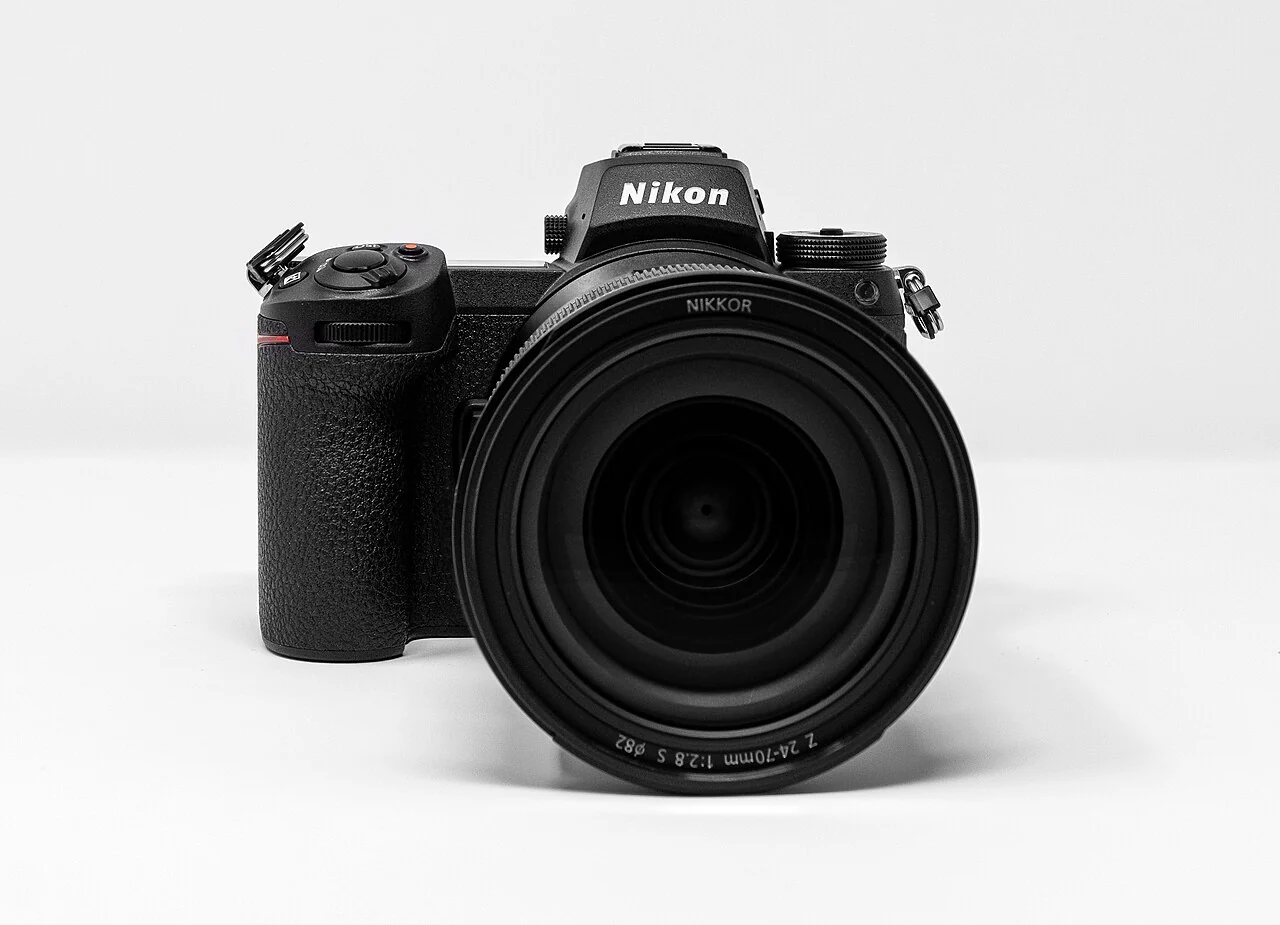
The photograph above identifies a Nikon Z7 II with a 24–70 mm Z lens. It is a credited visual reference, not evidence that another listed lens will fit your camera. Take your completed checklist to the model-specific catalog, and ask for a missing compatibility document before ordering rather than inferring support from a familiar brand name.